Overview
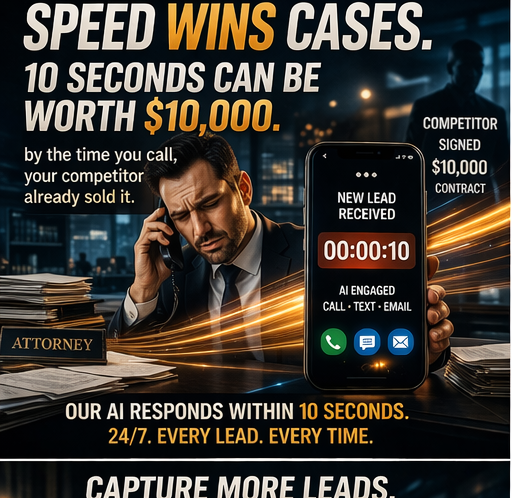
"We have Clio. It handles our intake." No. Clio handles your case management. Your intake is a form on your website that nobody responds to until tomorrow. Let me explain the difference between a CRM and an AI intake system, because this confusion is costing you cases. What Your CRM Does: - Stores contact information - Manages case files and documents - Tracks billable hours - Sends invoices - Maybe has a basic form on your website - Maybe sends an auto-response email - Organizes existing clients What Your CRM Does NOT Do: - Call leads in 5 seconds - Have voice conversations with potential clients - Qualify leads based on practice area criteria - Answer questions about your firm - Book consultations on your calendar - Follow up via call, text, and email automatically - Re-engage dead leads from your database - Warm-transfer qualified leads to attorneys - Handle after-hours intake - Reduce no-shows with automated reminders The Form-to-Client Gap Here's the journey of a lead in your CRM: Form fill → auto-response email → sits in inbox → someone sees it tomorrow → calls back → no answer → calls back again → maybe gets through → starts intake from scratch. Here's the journey with AI: Form fill → AI calls in 5 seconds → full intake conversation → qualified → consultation booked → confirmation sent → reminders scheduled → attorney walks into consultation with full context. One of those journeys loses 60% of leads. The other loses 10%. The "Smart CRM" Myth Some CRMs now have "AI fea