Overview
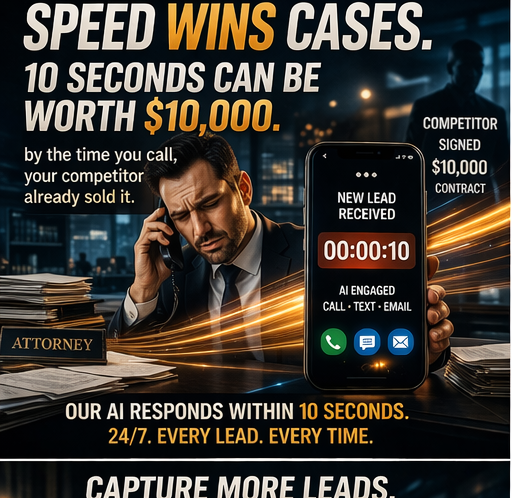
If your law firm uses an answering service, you probably think you have the after-hours lead problem solved. Someone answers the phone 24/7. Messages get taken. You feel good about it. Let us talk about what is actually happening. A potential client calls your firm at 8 PM on a Wednesday. They were just in a car accident. They are sitting in the ER waiting room, scared and in pain, googling "personal injury lawyer." Your answering service picks up: "Thank you for calling [Firm Name], how can I help you?" The prospect starts explaining their situation. The answering service agent — who handles calls for a dentist, a plumber, and three other law firms — says: "I'm sorry to hear that. Let me take down your information and someone from the office will call you back first thing in the morning." Name. Number. Brief description. That is it. The call lasts 90 seconds. The prospect hangs up, still scared, still in pain, and now also feeling like they just talked to someone who could not help them. Their phone rings 10 minutes later — it is another law firm that has AI intake. That firm's system asks about the accident, gathers the details, empathizes with their situation, and books a consultation for 9 AM tomorrow with a specific attorney. They get a confirmation text with the attorney's bio. By the time your office calls back at 9:15 AM, the prospect is already in a consultation with the other firm. Your answering service took a $50,000 case and turned it into a Post-It note.
What Answering Services Actually Do (And Do Not Do)
Let us be clear about what you are paying for with a traditional answering service: What they do: - Answer the phone with your firm's name - Take down a name and phone number - Write a brief message - Email or text you the message What they do not do: - Qualify the lead - Ask practice-area-specific intake questions - Determine if the case fits your firm's criteria - Book appointments on your calendar - Send follow-up texts or emails - Re-engage if the prospect does not answer your callback - Warm-transfer qualified leads to an available attorney - Provide any information about your firm, your attorneys, or your process - Follow up. At all. Ever. In other words, they are a human voicemail machine. They turn a phone call into a message. That is the entire value proposition. For $500-1,500 per month.
What AI Intake Does (The Full List)
Now compare that to what an AI intake system handles:
Immediate, Intelligent Conversation
The AI does not take a message. It has a conversation. It asks about the legal situation, listens to the responses, asks follow-up questions, and gathers everything an intake coordinator would need. For a personal injury call: "Can you tell me about the accident? When did it happen? Were there any witnesses? Have you seen a doctor? Has the insurance company contacted you?" For a family law call: "What is the nature of your family law matter? Are there children involved? Has anything been filed yet?"
Real-Time Qualification
The AI evaluates the lead against your firm's criteria. Does this case fit your practice areas? Does the timeline work? Are there any red flags? If the case does not fit, the AI can provide a warm referral to a partner firm. If it does fit, the process continues seamlessly.
Appointment Booking
The AI accesses your attorneys' actual calendars and books consultations in real time. The prospect gets a confirmed appointment before they hang up the phone — not a "someone will call you back" that may or may not happen.
Warm Transfer
If an attorney is available, the AI transfers the call directly. But not a cold transfer where the attorney has to start from scratch. The AI briefs the attorney: "I have a potential client on the line — slip and fall at a grocery store two days ago, currently treating, no other attorney contacted, looking for representation."
Follow-Up Automation
After the call, the AI sends: - A confirmation text with appointment details - An email with your firm's information and what to bring to the consultation - Reminder sequences at 72 hours, 24 hours, 2 hours, and 30 minutes before the appointment - If the prospect does not book, a nurture sequence that re-engages over the following days and weeks